Sheet L — Build-indicator lamps
Software told you the build broke.
A lamp tells everyone else.
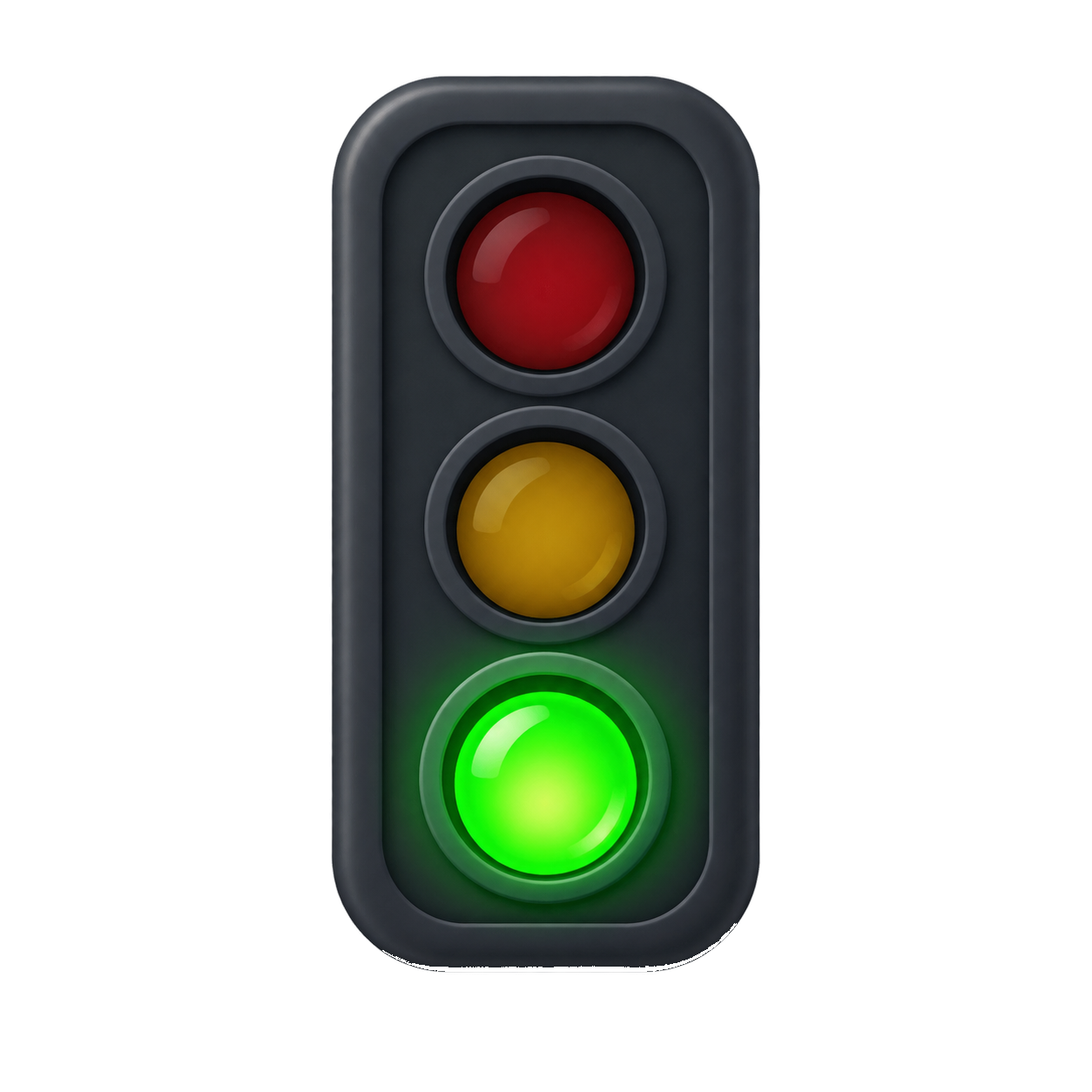
Greenlight drives real hardware from your build state. The lamp holds a steady colour for the current verdict and flashes it while a build is running, so the room learns to read your desk from the doorway.
Yes, this is the feature that exists because someone wanted a stoplight. That is generally how the good ones happen.
L-01 — What's in the box
Two plugins, one bridge, zero regrets
P-01
K8055 stoplight
P-02
Console reference
P-03
The 32-bit bridge
L-02 — Contract
Write your own in one interface
A plain .NET assembly. Implement this, build it, drop the DLL in the plugins folder, restart Greenlight. That is the entire extensibility story, and it is staying that way.
public interface IBuildIndicatorPlugin : IDisposable
{
    string Name { get; }
    void Initialize(IPluginContext context);
    void OnIndicatorChanged(BuildIndicatorState state);
    // state: { IndicatorColor Color; bool IsBuilding; }
}
%AppData%\DevWatch\plugins\
YourLamp.dll
plugin.logBehaviour
- Steady colour = current aggregate verdict.
- Flashing = a build is running right now.
- Every state change is pushed to every loaded lamp.
- Plugins load in their own assembly load context and log to their own file.
- A plugin that throws takes itself down, not the app.
- Loaded lamps appear under Settings → Build Indicator Lamps, with a restart button for boards that wander off.
L-03 — Shopping list
Parts, and one social cost
- A Velleman K8055 USB experiment board.
- A three-lamp stoplight — novelty, salvaged, or suspiciously large, your call.
- Relays or a driver board suitable for whatever lamps you picked.
- A colleague willing to tolerate this.
- Optional: an explanation ready for whoever owns the office aesthetic.

L-04 — Coming soon
A video course for wiring the thing up
Recording pending
Placeholder. The lamp is real, the camera is not set up yet.
A short demo course is planned: soldering the lamps, wiring the relays to a K8055, installing the bridge, dropping the plugin in place, and watching a deliberately broken pipeline turn a plastic light red on camera. Filmed at desk height, in one take, with the mistakes left in — because that is the part you actually need.
- Ep. 1 — Parts, tools and the two things you will get wrong.
- Ep. 2 — Relays, the K8055 board, and not electrocuting the novelty stoplight.
- Ep. 3 — The x86 bridge, the plugins folder, and reading plugin.log.
- Ep. 4 — Breaking main on purpose, for science and for the shot.
- Ep. 5 — Explaining it to your team lead. Runtime: unclear.
No sign-up form, no drip campaign, no "join the waitlist" modal. When it exists, it will appear on this page and be free, like everything else here.
Put a light on it.
Get the app running first. The soldering iron can wait until the weekend you were going to waste anyway.
Download for WindowsWindows 10 / 11 x64 · installs and updates itself